OpenCat is an open-source Arduino and Raspberry Pi-based framework for building and programming quadruped robots. Developed by Petoi, the maker of futuristic programmable robotic pets, it powers both the Bittle robot dog and Nybble robot cat platforms.
The framework handles the hard parts — gait coordination, servo control, IMU integration — so you can focus on what you're actually building on top of it.
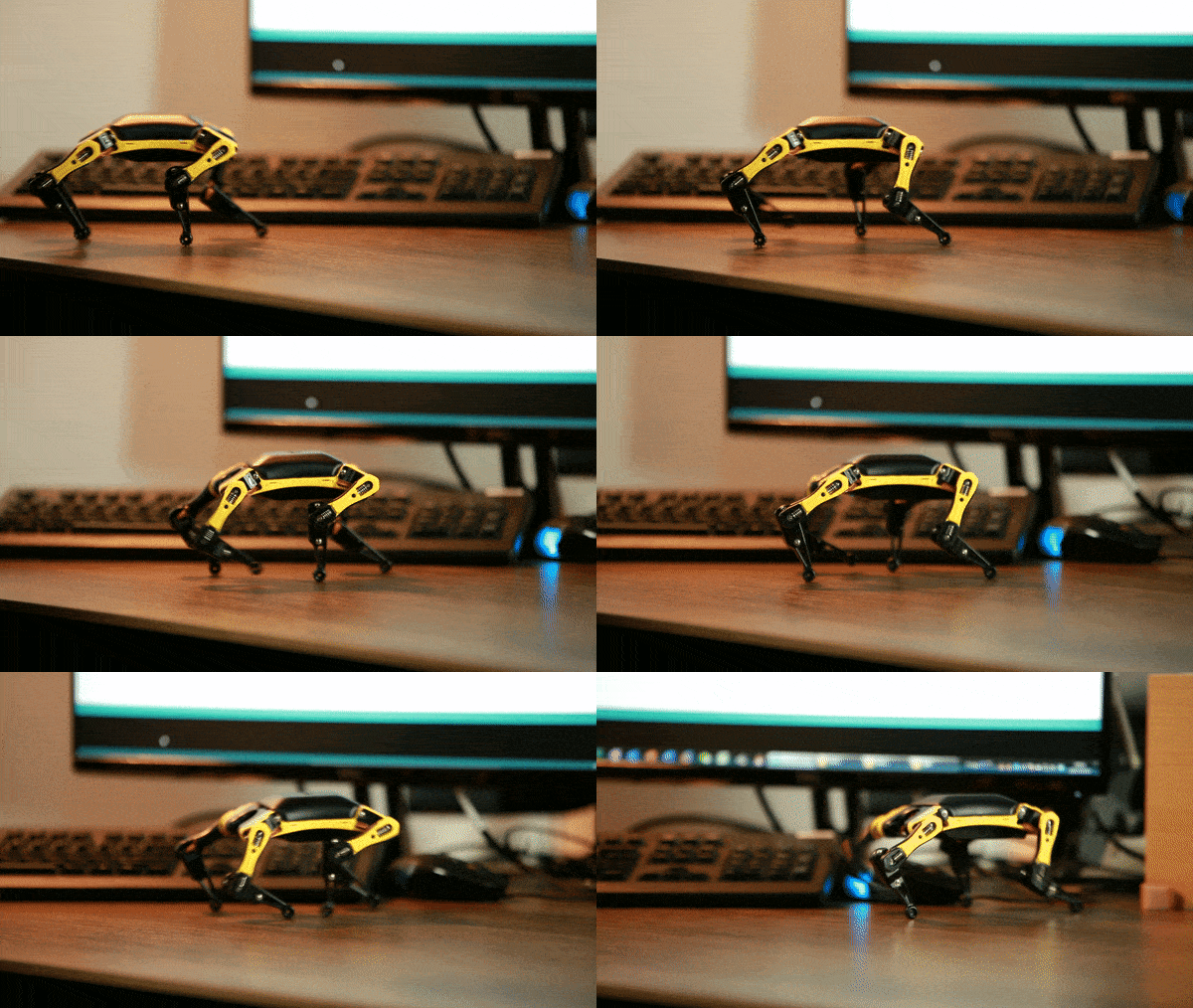
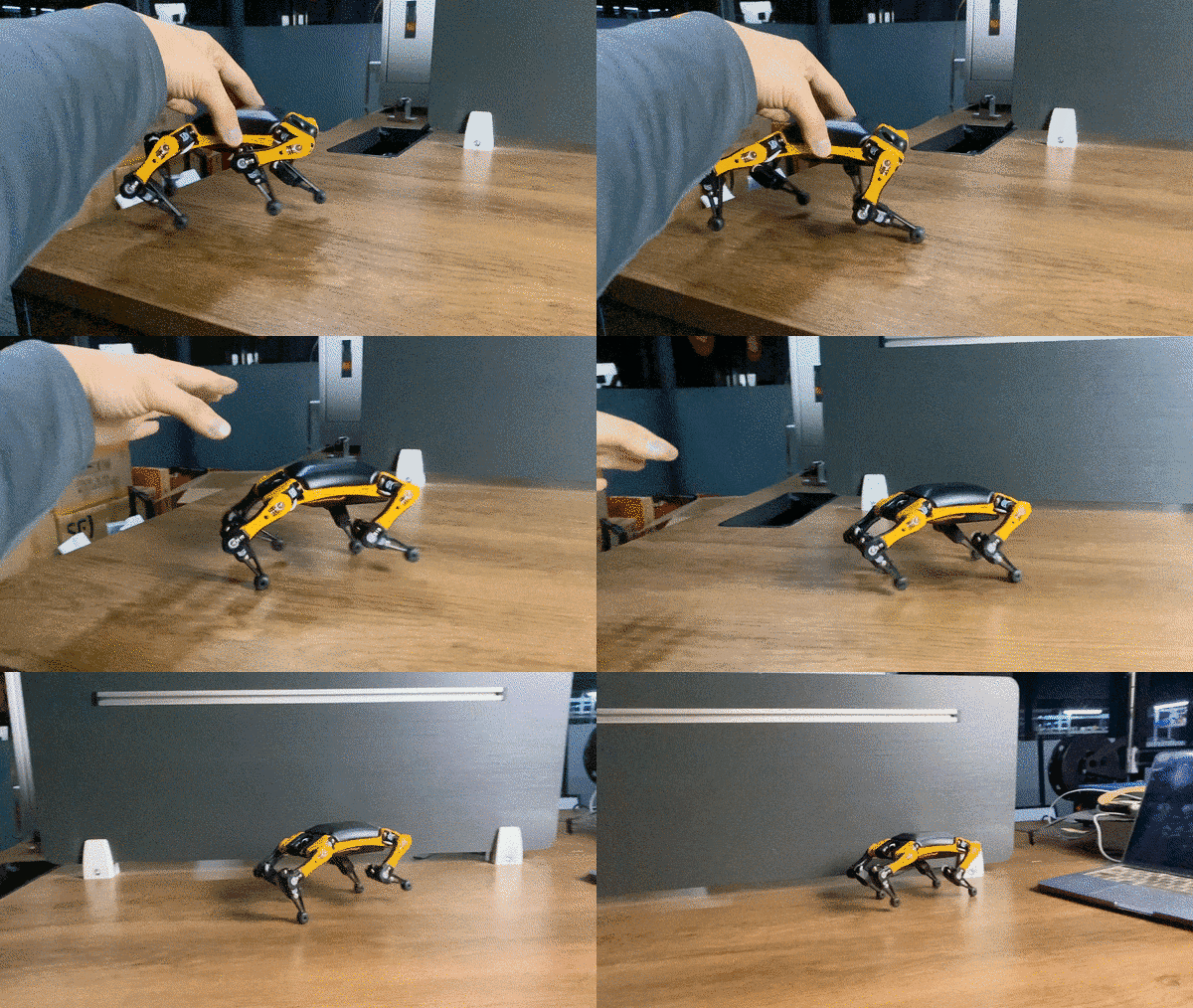
Inspired by Boston Dynamics' Spot, Dr. Rongzhong Li started OpenCat in his dorm at Wake Forest University in 2016. The goal was straightforward: make agile quadruped robots affordable and hackable enough for researchers, educators, and makers — not just well-funded labs.
OpenCat is now deployed across two robot platforms and used in K-12 schools, university research labs, maker spaces, and independent projects worldwide.
- 🐶 Bittle X — robot dog with voice control — current generation, BiBoard/ESP32
- 🐱 Nybble Q — robot cat — current generation
The original Bittle and Nybble (NyBoard/ATmega328P) are discontinued but still fully supported by this codebase. This repo is the right place for NyBoard users; for ESP32/BiBoard see OpenCatESP32.
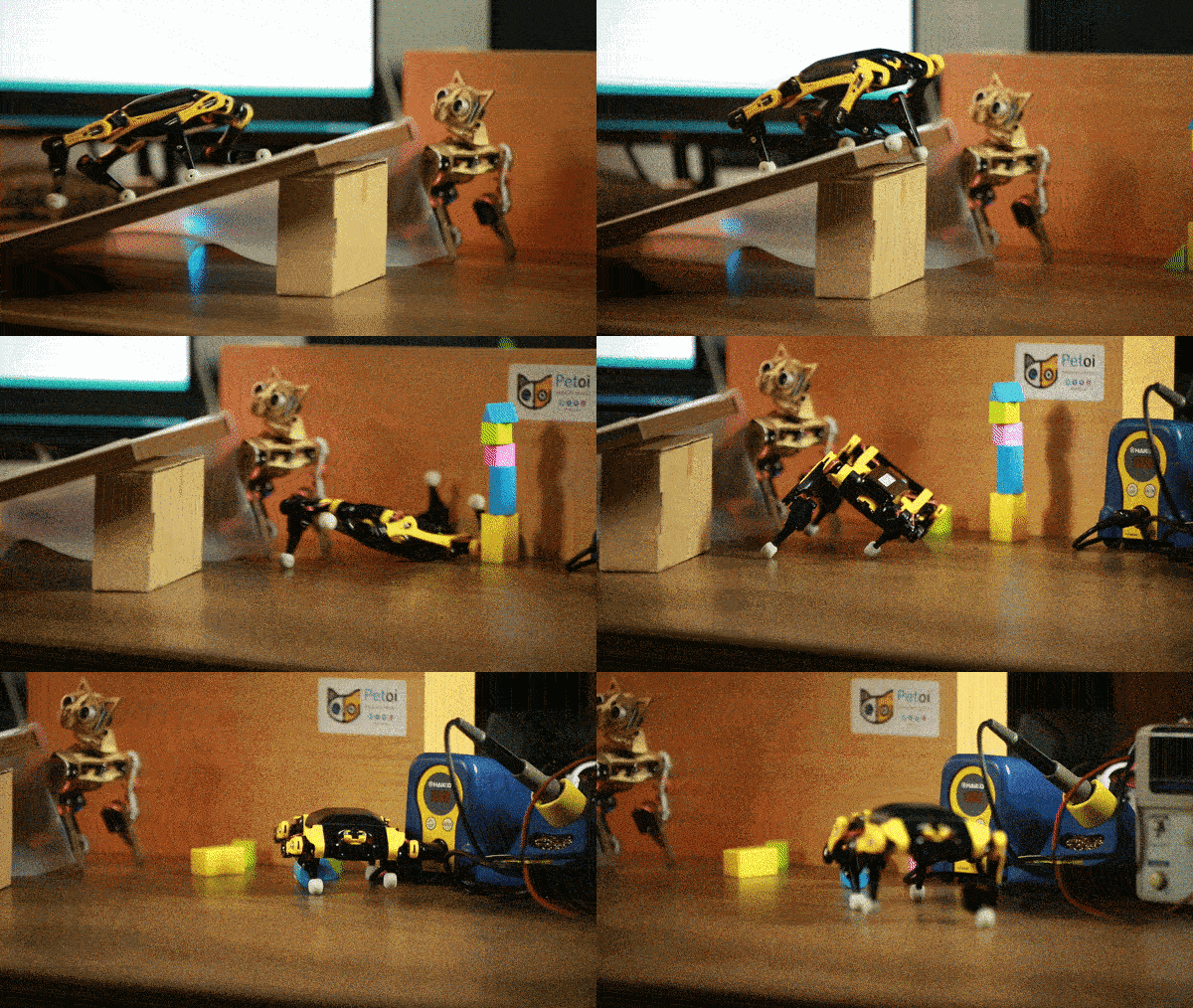
- Multi-language: C/C++, Python, block-based coding
- Open hardware + software: fork, modify, extend — no vendor lock-in
- Arduino + Raspberry Pi native: works with the tools you already use
- Sensor integration: cameras, touch, IMUs, ultrasonic, etc. — clip and go
- Sim-to-real: experiment reinforcement learning models on an affordable robot
- ROS compatible: SLAM, navigation, and perception pipelines documented by the community
Whether you're teaching robotics programming for the first time or running a graduate-level AI experiment, the platform scales.
Users have shipped real robotics projects across AI, Raspberry Pi, and research — a few highlights:
- Autonomous movement & object detection
- Raspberry Pi robotics projects
- AI and computer vision applications
- NVIDIA Isaac simulations and reinforcement learning
- Visual and LiDAR-based SLAM with ROS
- Imitation learning with Tiny ML models
- IoT robot fleet management with AWS
- 3D-printed accessories and custom builds
- DIY 3D-printed robot pets on OpenCat
Academic and research use cases: Research Spotlight
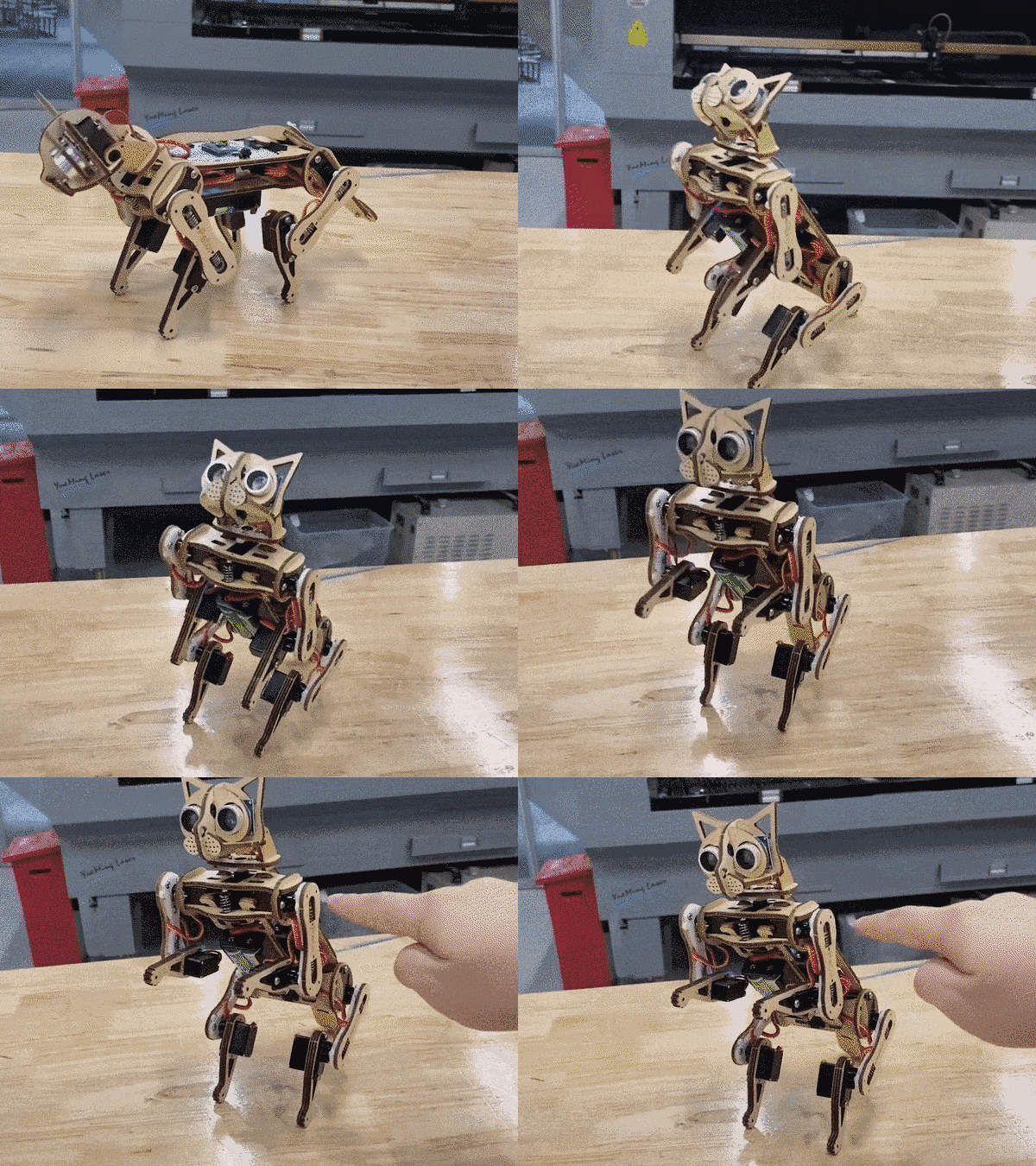
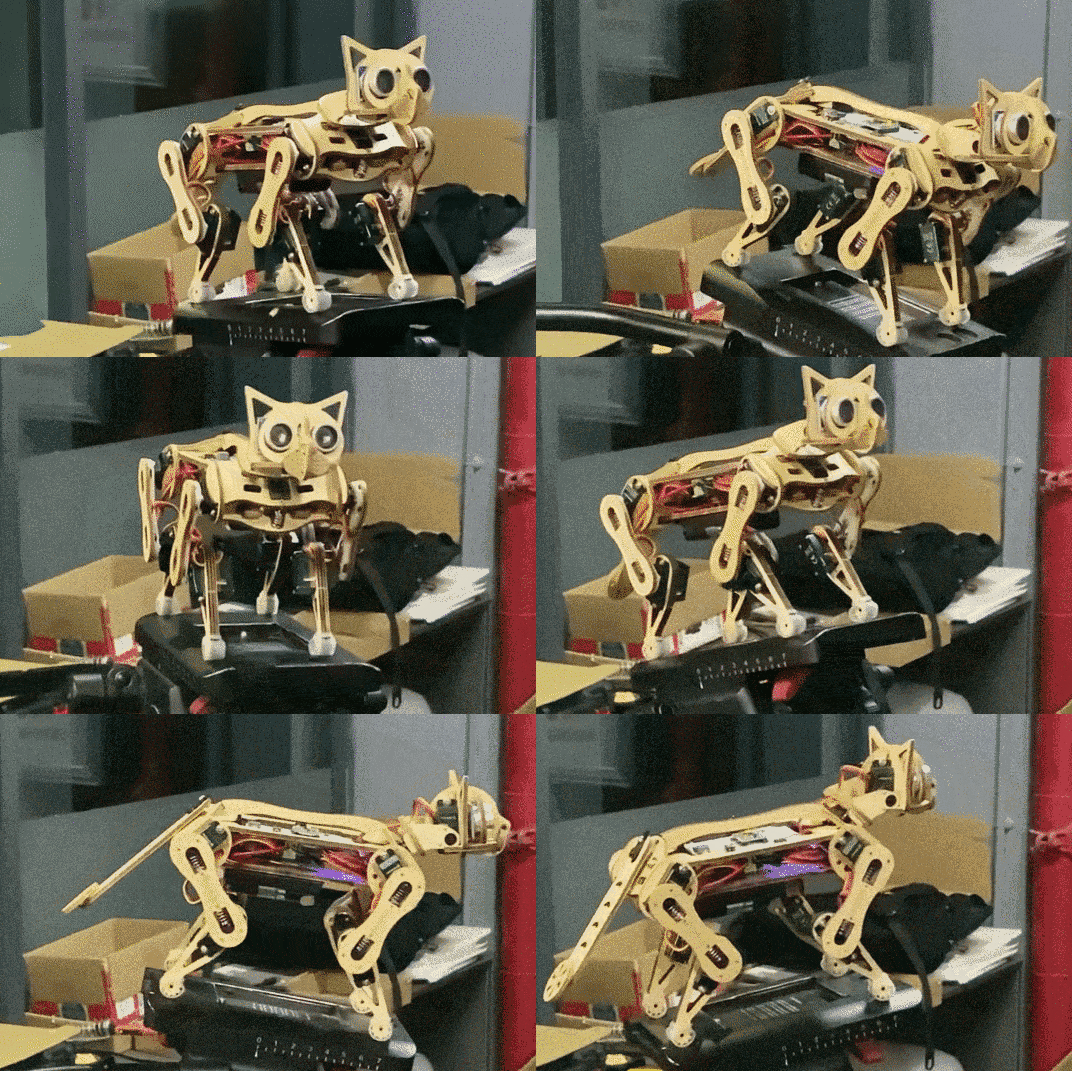
This repo targets the NyBoard — a customized Arduino board based on ATmega328P. It coordinates up to 12 high-performance servos for walking, running, jumping, and backflipping.
Extend with:
- Sensor pack
- Intelligent camera module
- Raspberry Pi, Nvidia Jetson Nano, or other AI co-processors via wired/wireless connections
For ESP32/BiBoard (current-gen hardware), see OpenCatESP32.
Full documentation: Petoi Doc Center The following steps give you a brief walk-through, but may miss detailed tips and illustrative pictures.
1. Clone the repo
Remove the -main (or branch name) suffix from the folder after downloading.
2. Open OpenCat.ino — select your robot and board
#define BITTLE    // Petoi 9 DOF robot dog: 1x on head + 8x on leg
//#define NYBBLE  // Petoi 11 DOF robot cat: 2x on head + 1x on tail + 8x on leg

//#define NyBoard_V0_1
//#define NyBoard_V0_2
#define NyBoard_V1_0
//#define NyBoard_V1_1
3. Enter configuration mode
Comment out #define MAIN_SKETCH, upload, follow serial prompts.
// #define MAIN_SKETCH4. (Optional) Auto-init
#define AUTO_INIT skips prompts and auto-calibrates IMU — handy for repeated flashing.
5. Upload
Plug USB uploader into NyBoard, install driver if needed, hit upload (→) in Arduino IDE.
6. Serial Monitor
Set to no line ending and 115200 baud rate.
7. Reset joint offsets
Reset joint offsets? (Y/n)
Y
8. IMU calibration
Calibrate the IMU? (Y/n):
Y
Place the robot flat on a table. 6 long beeps → reads sensor data → saves offsets → beeps when done. Close Serial Monitor when Ready! appears.
9. Switch to main sketch
#define MAIN_SKETCHUncomment and re-upload.
10. Joint calibration
Boot with one side up to enter calibration mode, or calibrate directly via Serial Monitor.
11. Optional: Petoi app
Plug in Bluetooth dongle for a friendlier calibration UI:
- iOS: App Store
- Android: Google Play
See the calibration guide and app guide.
12. Start building
Infrared remote, Petoi app, Python, or Serial Monitor. Full play guide →
OpenCat is used in K-12 robotics programs, community colleges, university labs, and maker spaces:
- r/OpenCat — firmware code, framework hacking, extending and porting OpenCat
- r/Petoi — hardware Q&A, builds, quadruped coding, curriculum, 3D-printed parts, general discussion
Follow the project: YouTube · Twitter · Instagram · Facebook · LinkedIn
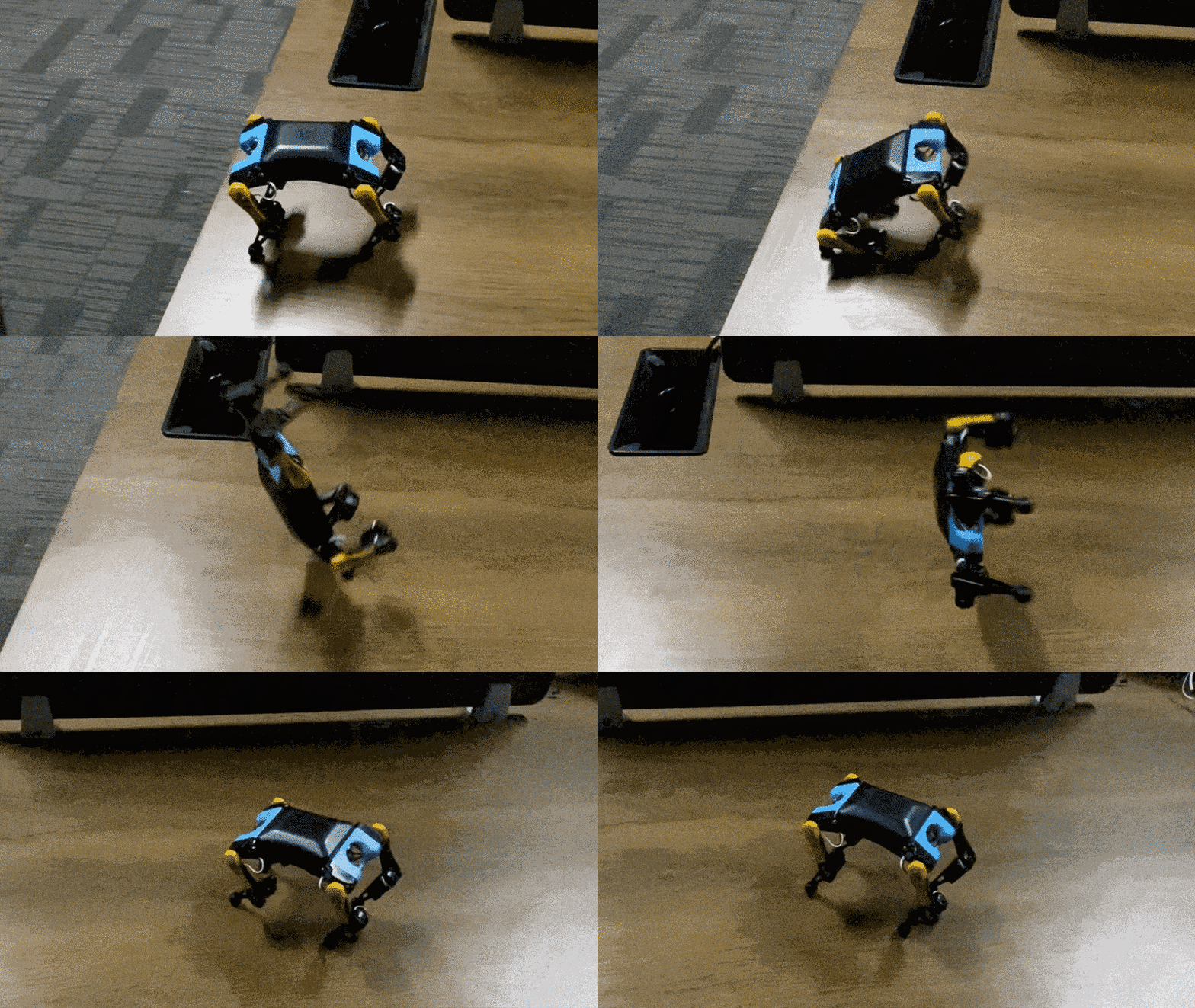
The legacy OpenCat repository is archived and no longer maintained.